Headroom
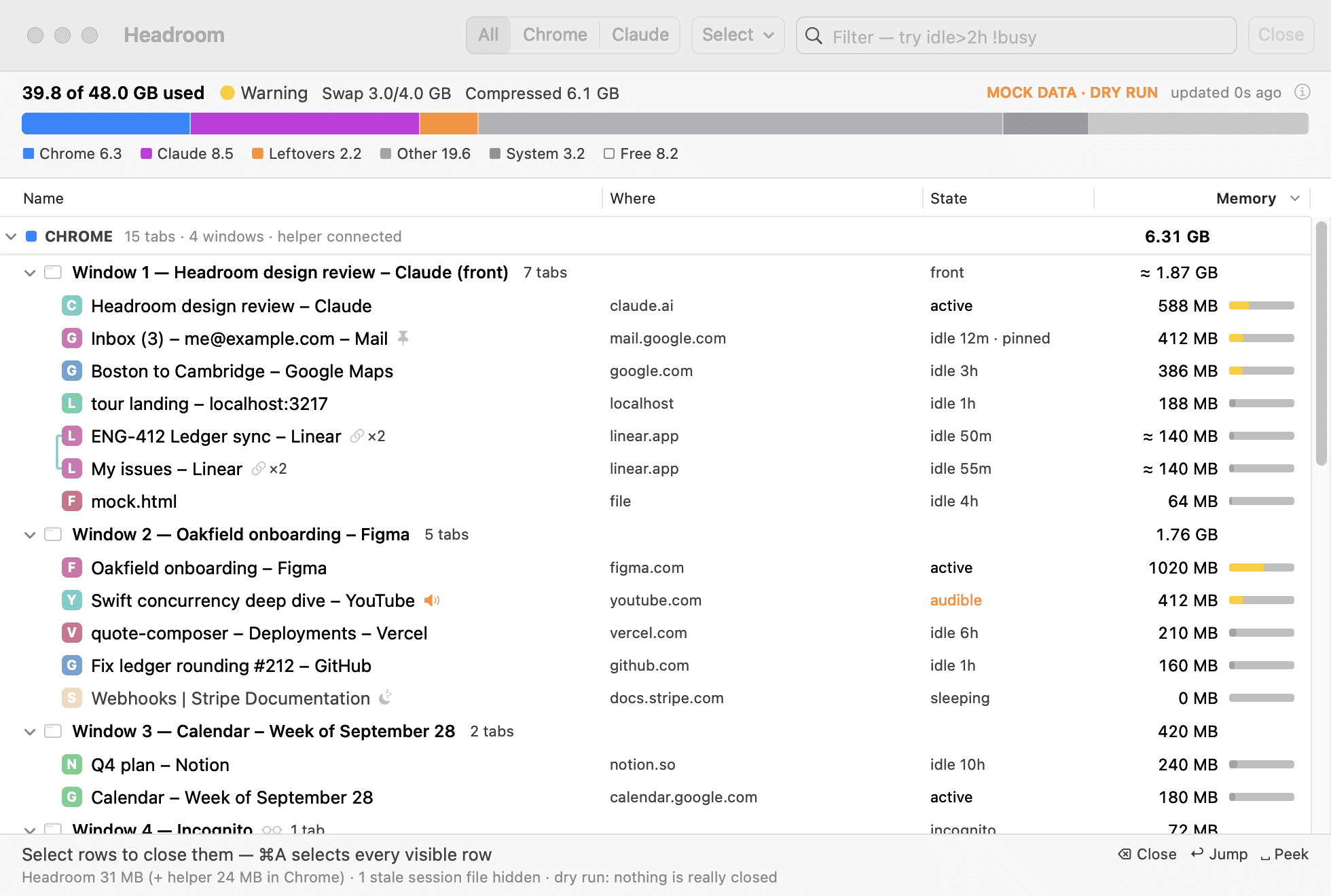
Headroom is a Mac app that shows what uses your Mac’s memory when you work with many Chrome tabs and Claude Code sessions, and lets you close what you no longer need, with Undo.
Download for Mac
Apple Silicon, macOS 15 or later. Free and open source.
Install
- Unzip the download.
- In Terminal, go into the
Headroom-<version>folder and runscripts/install.sh. It asks before each step. - Open Headroom from
~/Applications.
The README, the source and older releases are on GitHub.